shelter-plugins
🔒 PGPCord - Shelter Plugin




Inside this repository you can find all corploc plugins with PGPCord being the main one.
You can talk with anybody that has pgpcord installed!
PGPCord brings blazing fast End-to-End Encryption (E3EE) to Discord using the OpenPGP standard. Your messages are encrypted on your device and can only be decrypted by the intended recipients. Not even Discord can read them.
✨ Features
- Encrypt Private Chat: Secure 2-on-1 conversations with full PGP encryption.
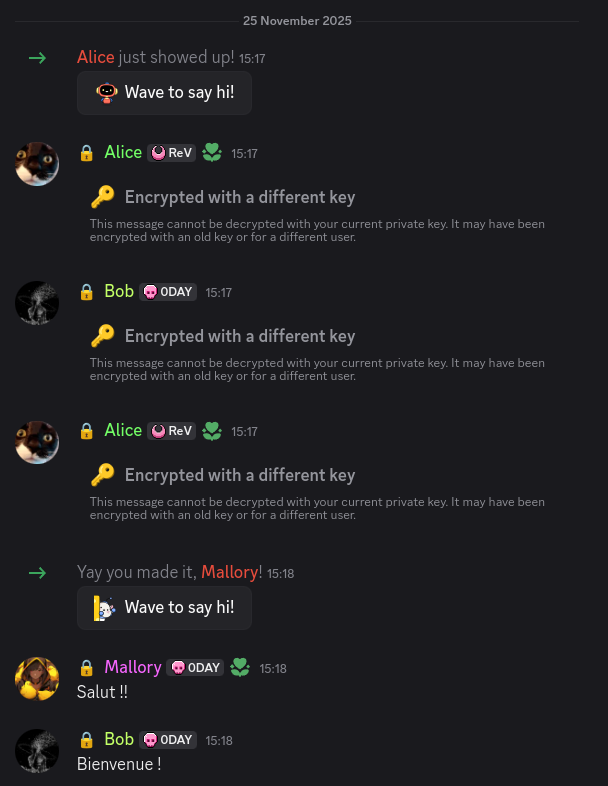
- Encrypt Multi-Recipient: Works seamlessly in Group DMs and Server Channels.
- Automated Key Discovery: Automatically finds public keys based on Discord IDs using our keyserver.
- Ping Working: Mentions and notifications work as expected.
- Fully Functional Chat: Code blocks, markdown, and standard Discord formatting are preserved inside encrypted messages.
- No log policy: The Keyserver does not store any keys nor any logs you can delete all your traces with the delete button in settings.
- Image/File Upload: Coming Soon!
🛠️ Requirements
- Shelter: Included with Legcord or into most Discord clients (Vencord, etc.).
📦 Installation
Option 2: Shelter Plugin Browser
- Open User Settings -> Shelter -> Plugins.
- Search for
PGPCord(if available in the official list). - Click Install.
Option 3: Manual Install
- Open User Settings -> Shelter -> Plugins.
- Click Add Plugin (or “Add by URL”).
- Paste the following URL:
https://corploc.github.io/shelter-plugins/pgpcord/ - Click Add Plugin.
🚀 Usage
2. Setup Your Keys
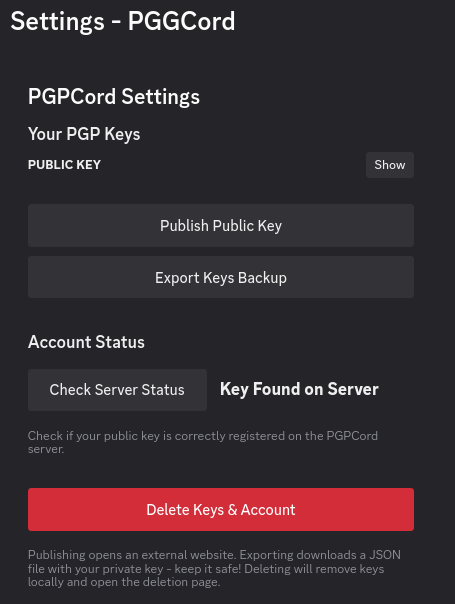
Go to Settings > PGPCord. Generate a new key pair with a strong passphrase. Your private key is encrypted with this passphrase. If you lose it, your messages are lost forever.
3. Publish Your Identity
Click the Publish button in settings. You will be asked to link your current Discord account to verify your identity. This allows others to find your public key automatically.
You can delete your identity by clicking the Delete button in settings.
4. Start Chatting!
Enable disable encryption per chat by pressing the Lock Icon in the chat bar.


When the lock is green, everything you type is encrypted.
When reloading the app you will need to reenter your passphrase.

5. Group Chat
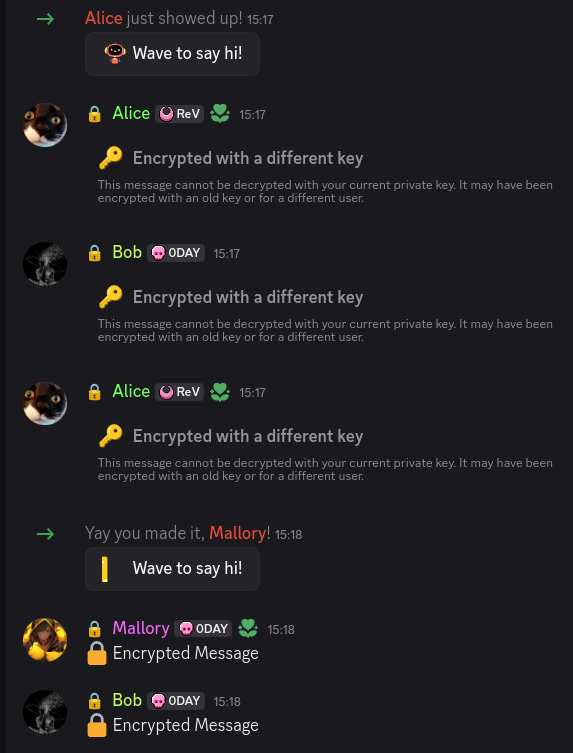
6. Plain Chat
💻 Development
Prerequisites
- Git
- Node.js
- Lune:
npm install -g @uwu/lune
Setup
git clone https://github.com/corploc/shelter-plugins.git
cd shelter-plugins/
npm install
Building
npx lune build pgpcord
Known Issues
- Dom is not reloaded without scrolling when prompt or miss keyz
- Shelter injector in chrome is not working due to data persistence
📄 License
This project is licensed under the MIT License.